
50 Claude Code Tips To Get You Started
How I think about agentic coding after 6 months non-stop usage.


I’ve been using Claude Code every day for about six months. Not casually. Twelve hours a day, pair programming, reviewing every single line of code it writes. I dropped Cursor, VS Code, Android Studio. I just use iTerm now.
Along the way I realized something that changed how I think about AI coding entirely.
Btw before we get into this newsletter, I made a full video going over all of the tips. I linked it at the bottom! - John
It’s A Context Engineering Tool
Most people look at Claude Code and see an AI that writes code. That’s not wrong, but it’s incomplete. What Claude Code actually is, at its core, is a context engineering tool with a really smart agentic loop powering it.
Every feature, every slash command, every primitive it offers, they all exist to solve the same problem: how do you give an AI the right context so it can do good work?
The /context command exists so you can audit what Claude is working with. The /clear command exists so you can start fresh when old context is hurting you. CLAUDE.md exists so Claude has long-term memory across sessions. Skills exist so workflows load context on demand instead of bloating every conversation. Subagents exist so heavy tasks don’t pollute your main context window. Even the rewind feature is a context management tool.
This layer of abstraction and thinking has really helped me get the most out of this amazing tool.
Context Is Best Served Fresh And Condensed

This is the phrase I keep coming back to. The more bloat in your context, the less likely the AI will do exactly what you want. A 200k token window sounds huge until you realize MCPs, old explorations, dead-end conversations, and overly verbose rule files are all competing for space.
The engineers who struggle with Claude Code are usually the ones who dump everything into context and hope for the best. The ones who thrive are the ones who treat context like a scarce resource. Load what you need, when you need it. Persist what matters, discard what doesn’t.
I spend more time managing context than I do writing prompts. That’s the real skill.
Validation Is The Single Most Important Thing

If there’s one tip that matters more than the other 49, it’s this: give Claude a way to verify its own work.
Include your test commands, your build commands, your lint commands in CLAUDE.md. When Claude can run a build, see the errors, and fix them in a loop, it self-improves until the code actually works. Without validation, you’re hoping the AI gets it right on the first try. With validation, you’re giving it a feedback loop.
This applies everywhere. Mobile? Have Claude install the app and have it do navigations while reading debug logs. Web? Have it run Puppeteer or use /chrome to navigate and check the UI. Performance? Hook into Perfetto and have Claude read the traces. The specific tool doesn’t matter. What matters is the loop.
Every time someone tells me
“AI coding doesn’t work for me,”
the first thing I ask is: what’s your validation loop? Nine times out of ten, there isn’t one.
You’re No Longer Writing Code. You’re Engineering Context.

The creator of Node.js said the era of people writing code by hand is essentially over. I actually believe that. And I say that as someone who used to love being in the zone, crafting code line by line.
The way I work now is completely different. I have multiple Claude instances running across iTerm split panes. One is doing investigation, another is executing code edits, another is working on a completely different project. I’m jumping between them like I’m playing StarCraft. All keyboard-driven. When I’m at home I’m talking to them through Wispr, just switching between instances, voice-commanding each one.
The code generation is the easy part. What’s hard, and what determines whether the output is good, is the context you build before you hit execute. That’s why I start every feature in Plan Mode. I argue with Claude. I challenge its assumptions. I iterate on the approach before a single line of code gets written. Because once that context is solid, Claude usually one-shots the implementation.
My bottleneck isn’t the AI. It’s how much context switching I can do in my own head.
Bring The Work To The Context
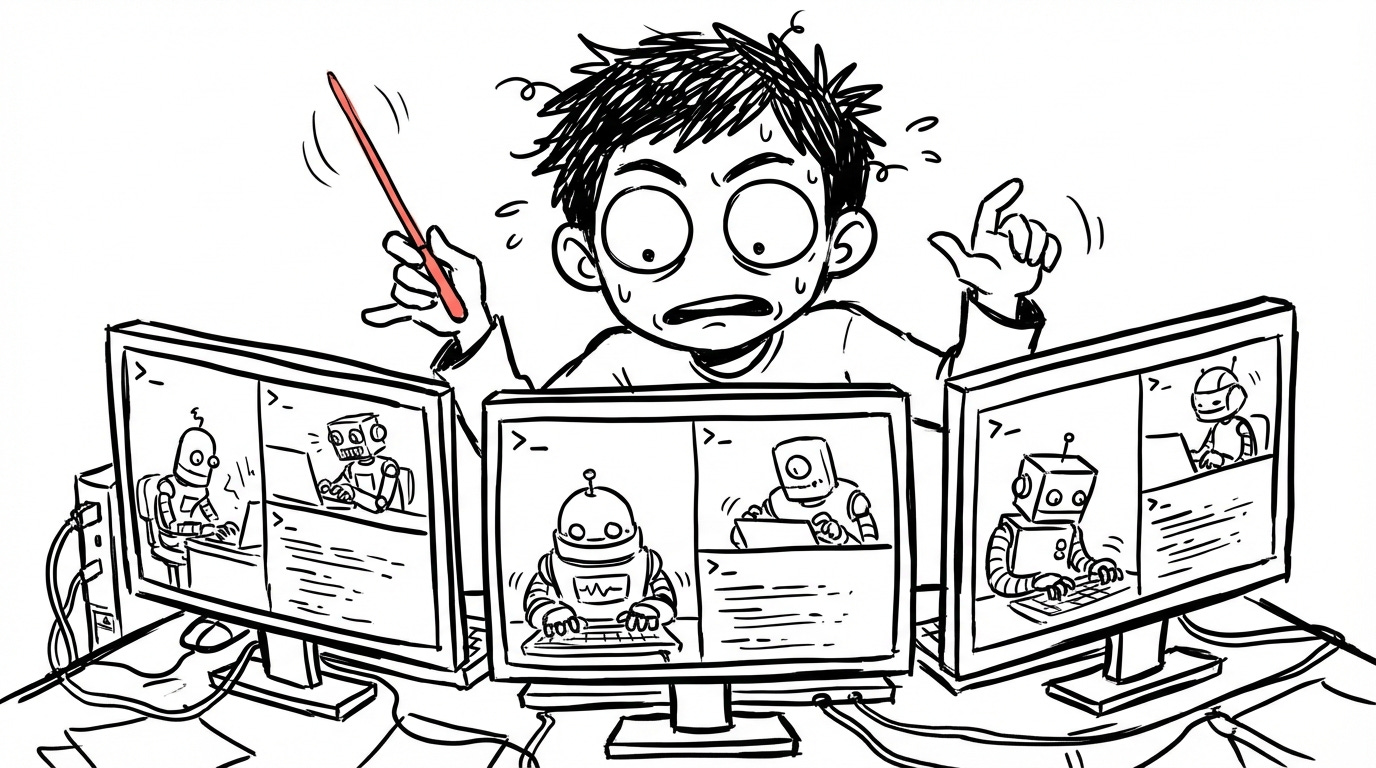
One philosophical disagreement I have with how a lot of people use subagents: they spread work across many agents and try to stitch the results together. CEO agent, product agent, design agent. I think that’s backwards.
You want to bring the work to the context, not spread the context across many places. A subagent only returns its output, not the full reasoning that got it there. So if the work actually needs deep understanding of your codebase, keep it in the main session. Use subagents for true side effects, stuff that can run independently without needing the full picture.
The same principle applies to everything else. Don’t preload your context window with every possible instruction. Lazy load. Keep an index at the root, detailed docs in subdirectories. Claude loads the detail only when it needs it. Fresh and condensed, always.
50 Tips To Get You Started
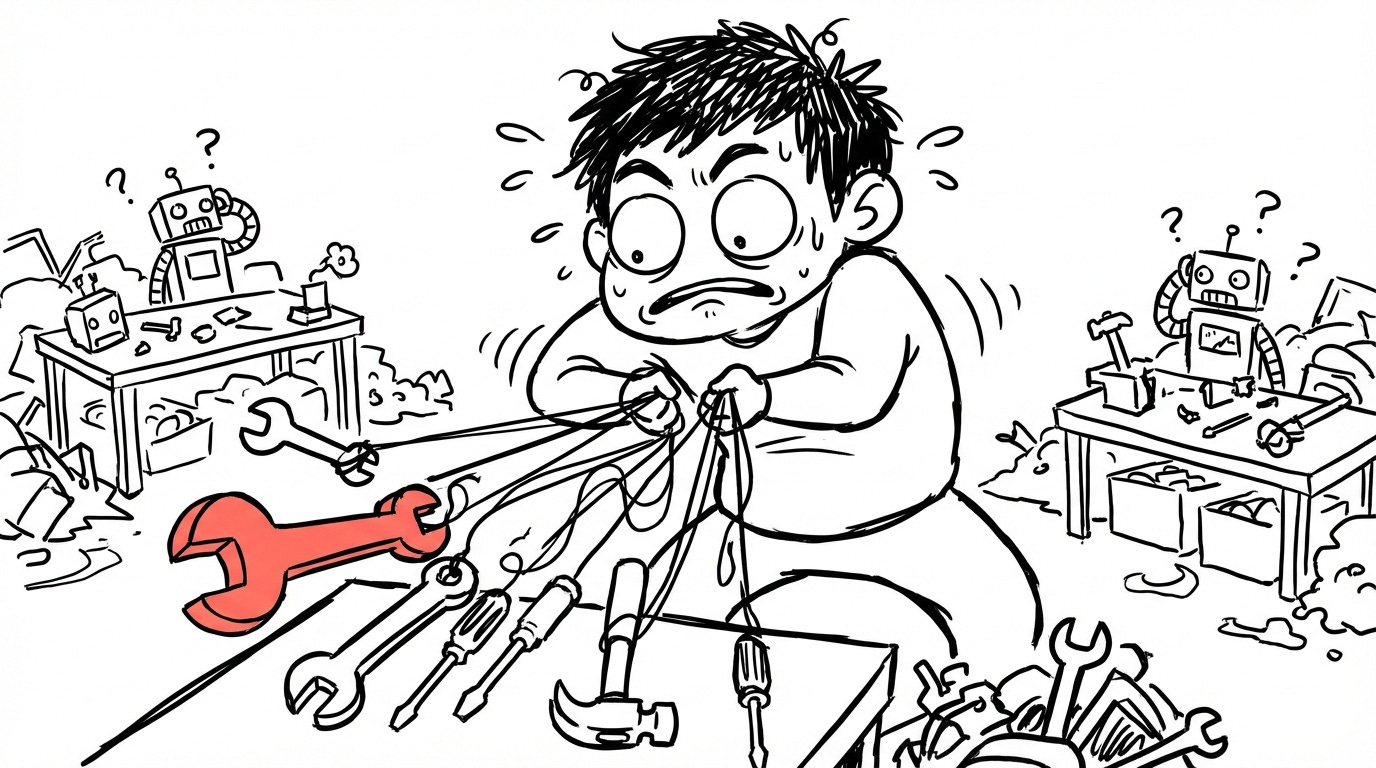
I made a full video walking through every tip with live demos. Below is the complete list for quick reference.
Foundations
Run from root directory
Run
/initimmediatelyCLAUDE.md is hierarchical (global, project, subdirectory)
Keep CLAUDE.md concise (~300 lines)
Structure: What, Domain, Validation
Keyboard Shortcuts
Shift+Tabtoggles modes (Normal, Auto-accept, Plan)Escapeinterrupts (don’t be afraid to use it)Double
Escapeclears inputDouble
Escapeon empty input opens rewindScreenshot and drag images into terminal
Add context to screenshots
Essential Commands
/clearresets context/contextshows token usage (audit regularly)Let auto-compaction work
/modelswitches models/resumerecovers sessions (30 day history)/mcpshows MCP status (watch for token bloat)/helpshows all commandsGit is your safety net (commit before big changes)
CLAUDE.md Deep Dive
Add a Critical Rules section (top = highest priority)
Ask Claude to update your rules (never edit manually)
Use workflow triggers (”build the app” maps to scripts)
Commit CLAUDE.md to git (compound engineering)
--dangerously-skip-permissionsfor throwaway envs onlyCombine skip with
/permissionsallowlists
Daily Workflow
Start features in Plan Mode
Fresh context beats bloated context
Persist learnings before ending sessions (second brain)
Lazy load context (don’t preload everything)
Give verification commands (build, test, lint)
Consider Opus for complex work
Read thinking blocks (watch for “I’m not sure...”)
Composability Framework
Four primitives: Skills, Commands, MCPs, Subagents
Skills = recurring workflows (saved as MD files)
Commands = quick shorthand (now merged with skills)
Never create commands manually (ask Claude)
MCPs = external service connections
Ask Claude to install MCPs for you
Subagents = isolated context (use for side effects)
Avoid instruction overload (quality over quantity)
Parallel Workflows
Run multiple instances across terminals
iTerm split panes and nav left to right (
Cmd+D,Cmd+[, Cmd+])Enable notifications (sound on completion)
Git worktrees for file isolation across instances
/chromeconnects to your browserBrowser control is powerful for debugging
Hooks & Automation
Hooks intercept actions (PreToolUse / PostToolUse)
Auto-format with PostToolUse hooks
Block dangerous commands with PreToolUse hooks
Explore the plugin ecosystem (composable primitives)
Context is king. Keep it fresh. Keep it relevant. Give Claude what it needs and nothing more.
Now go build something.
The framing of Claude Code as a context engineering tool rather than a code writer is the sharpest mental model I've seen for it. Especially the point about /clear and fresh context - I've found stale context causes more subtle bugs than wrong prompts ever do. The validation piece hits hard too. I run an AI agent built entirely on Claude Code, and the single biggest unlock was making verification mandatory before anything ships.
Not "it looks right" - actually running it, checking output, proving it works. That discipline changed everything more than any prompt trick. I wrote about the full setup and what I learned building with Claude Code daily: https://thoughts.jock.pl/p/wiz-personal-ai-agent-claude-code-2026 Curious - how do you handle context management when tasks span multiple sessions?
Do you rely mostly on CLAUDE.md or have you built something more structured?
People don’t use tools efficiently and complain tools are bad.